How to Use AI to Turn Rough Notes Into a Clear First Draft
AI can turn messy notes into a useful first draft, but the worker still owns the meaning, accuracy, tone, context and final judgement.
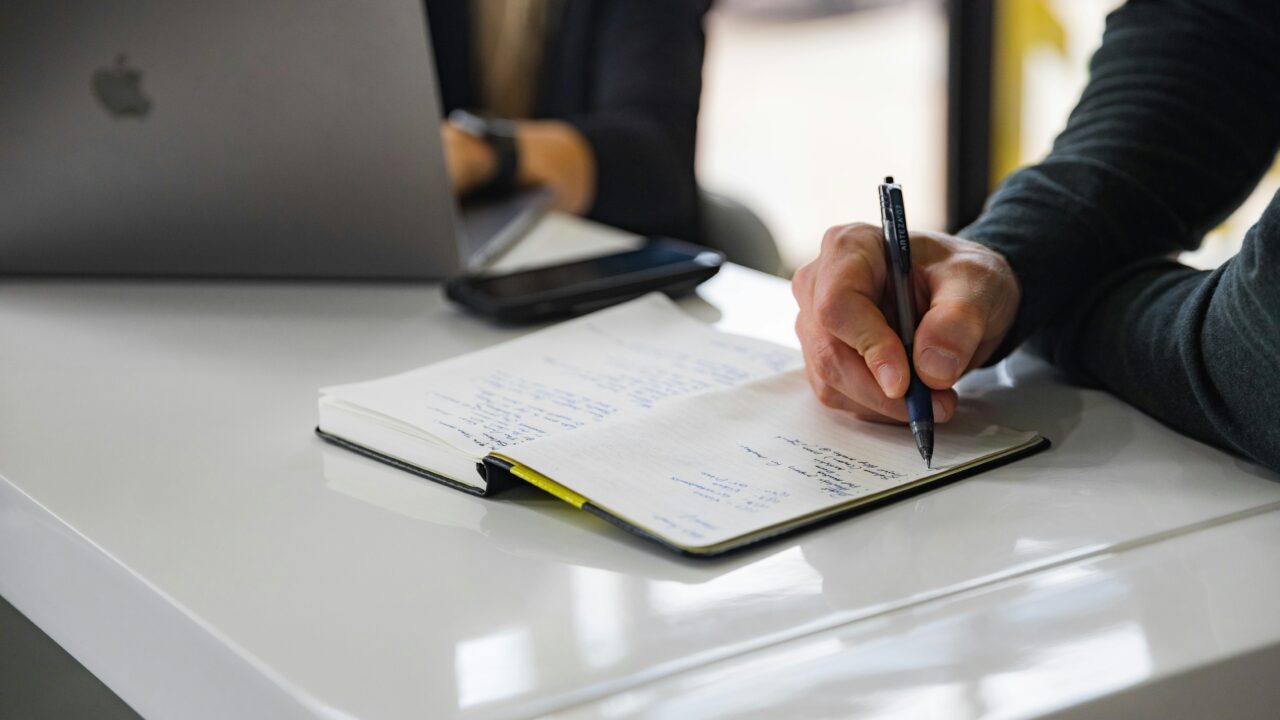
Rough notes are useful, but they are rarely ready to send. An AI first draft can help turn scattered points into a clearer starting point, as long as you stay in charge of the meaning, accuracy and final judgement. The AI notes to draft process works best when the source notes have some structure to begin with.
The Short Version
- An AI first draft is useful for turning rough notes into clearer copy, not for deciding what you mean.
- Start by telling the AI the purpose, audience and format of the draft.
- Give it the source notes, but do not include confidential, personal or sensitive information unless your workplace has approved that use.
- Treat the output as a starting point. Check facts, tone, missing context and anything the AI may have smoothed over.
- The best results come when you edit the draft back into your own judgement, not when you accept it untouched.
Where an AI first draft can help with rough notes
Most workplace notes are not written for readers. They are written quickly, often during a meeting, call, interview, planning session or review. They may include half-sentences, shorthand, repeated points and ideas that made sense at the time but look thin later. The AI notes to draft process works best when the source notes have some structure to begin with.
That is exactly where AI can be useful. It can take messy source material and impose a basic shape on it. It can group related points, remove repetition, turn fragments into full sentences and suggest a structure for a short update, email, summary or briefing note.
This does not mean the AI knows what matters. It does not know the politics of the meeting, the sensitivity of a client relationship, or which point your team will care about most. An AI first draft can help with the first pass, but it cannot replace the judgement that makes the draft useful. The AI notes to draft process works best when the source notes have some structure to begin with.
Think of it as a drafter, not the author. You provide the meaning. It helps create the first version.
Start with the purpose of the draft
Before asking AI to write anything, decide what the draft is for. A project update needs a different shape from a client email. A manager briefing needs different detail from a team reminder. The AI notes to draft process works best when the source notes have some structure to begin with.
A useful request might include four things: the audience, the purpose, the format and the notes. For example, you might ask for a short internal update for a project team, written in plain English, based only on the notes provided.
That last phrase matters. If you want the AI to work from your notes, say so. Otherwise, it may fill gaps with generic assumptions. This is one reason source fidelity matters. The draft should reflect the material you gave it, not what a polished version of a similar situation might sound like. The AI notes to draft process works best when the source notes have some structure to begin with.
It also helps to tell the AI what not to do. You can ask it not to invent dates, decisions, names, numbers or next steps. You can ask it to mark unclear points rather than guessing. This keeps the draft closer to the original notes and makes your review easier.
For broader writing tasks, Cristoniq’s guide to using AI to write and edit covers the bigger picture. This piece is narrower: how to move from rough workplace notes to a usable first draft. The AI notes to draft process works best when the source notes have some structure to begin with.
What AI can get wrong
AI often makes rough notes sound more complete than they really are. That can be helpful for readability, but risky for accuracy.
A note that says “client worried about timeline” might become “the client is concerned that the project will not be delivered on time.” That may be true, but it may also be too strong. The client might have asked a routine question. The wording needs human judgement. The AI notes to draft process works best when the source notes have some structure to begin with.
AI can also flatten uncertainty. If your notes say “maybe launch late June”, the draft should not say “the launch will happen in late June.” If the notes say “ask finance”, the draft should not present finance approval as already complete.
Privacy is another issue. Rough notes often contain names, client details, commercial information, personal information or internal decisions. Before putting them into any AI tool, check your organisation’s rules. For UK organisations, the ICO’s guidance on AI and data protection is a useful starting point for thinking about personal data, accountability and accuracy. If in doubt, remove sensitive details or do not use the tool for that material. Cristoniq’s guide to what information you should never put into an AI tool is a useful companion here. The AI notes to draft process works best when the source notes have some structure to begin with.
The basic rule is simple: AI can help with wording and structure, but it should not be trusted to preserve context perfectly.
A practical example
Imagine a manager leaves a project meeting with these rough notes:
Website refresh. Design nearly done. Copy still late. Dev needs final pages by Fri. Legal wants privacy wording checked. Client liked homepage direction. Need Sarah to confirm case study quote. Risk: timeline tight if copy slips again. Next update Monday.
Those notes are useful, but they are not ready to send. The manager could ask AI to turn them into a short internal project update for the team, using only the notes provided, with unclear points flagged. The AI notes to draft process works best when the source notes have some structure to begin with.
A first draft might say:
The website refresh is moving forward, with design nearly complete and the homepage direction well received by the client. The main risk is copy timing. Development needs final pages by Friday, and the schedule may become tight if copy slips again. Legal still needs to check the privacy wording, and Sarah needs to confirm the case study quote. The next update is due on Monday. The AI notes to draft process works best when the source notes have some structure to begin with.
That is a decent starting point. But the manager still needs to check it. Did the client like the whole homepage direction, or one part of it? Is Friday a hard deadline or an internal target? Does legal need to check all privacy wording, or one section? Is Sarah the right person to confirm the quote?
This is where the human edit matters. The AI has made the notes readable. The manager now makes them accurate.
How to review the first draft
The review should not be a quick spellcheck. It should be a meaning check.
First, compare the draft against the source notes. Every decision, date, owner and risk should be traceable back to the notes. If something appears in the draft but not in the notes, either remove it or mark it for checking.
Second, look for softened or strengthened language. AI may make uncertain points sound settled. It may also make serious risks sound bland. Adjust the wording so it matches what you actually know.
Third, check the audience. A senior leader may need a shorter version with decisions and risks near the top. A project team may need owners and next steps. A client may need more careful tone and fewer internal details.
Fourth, remove anything that should not be shared. AI can accidentally carry internal shorthand into a draft that is later sent more widely. Names, numbers, commercial detail and personal information all deserve a second look.
If the draft includes factual claims beyond your notes, check them before using the text. Cristoniq’s guide to checking whether an AI answer is any good explains that habit in more detail.
What This Means For You
Using an AI first draft can save time, but the time saved should move into review, not disappear entirely.
The practical benefit is momentum. Instead of staring at rough notes and trying to find the opening sentence, you can start with a structured version and improve it. That is useful for project updates, meeting summaries, briefing notes, internal emails and short reports.
The risk is overconfidence. A polished draft can feel more reliable than rough notes, even when it has introduced errors. The cleaner the prose looks, the more important it is to check whether it still reflects the original material.
A good workflow is simple: prepare the notes, ask for a first draft, check it against the notes, edit for tone and accuracy, then decide whether it is ready to send.
In Plain English
AI can help turn messy notes into a clear first draft.
It cannot decide what you meant, what matters most, or what is safe to share.
Use it to get started, then review the result like a responsible editor. Keep the useful structure. Fix the meaning. Remove anything uncertain, sensitive or wrong.