Smart home devices: what is useful and what is a gimmick
Smart home devices can be useful, but only when they solve a real problem. Here is how to judge what is worth buying and what to skip.
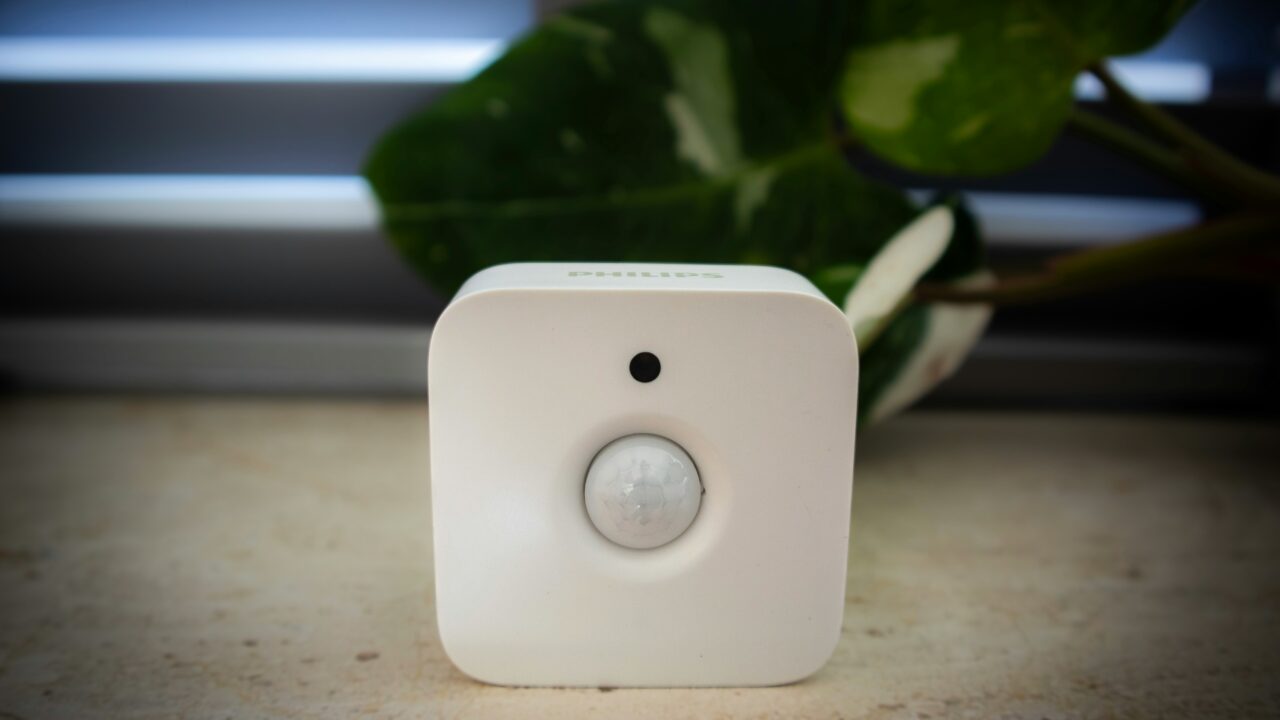
Smart home devices are useful when they solve a boring problem well. They are a gimmick when they add an app, a subscription, or a failure point to something that already worked.
The Short Version
Start with heating controls, plugs, and security kit that answer a real need. Be cautious with smart fridges, novelty lighting, and anything that needs a paid plan to feel complete. The best smart home devices save time, save energy, or make your home easier to manage.
A good rule is simple. If removing the device would make daily life worse, it has earned its place. If you would only miss the novelty, wait.
Smart home devices that solve real problems
The strongest smart home devices do one of three things. They reduce waste, improve security, or remove a small daily nuisance. That sounds modest, but it is where the value sits.
A smart thermostat is the cleanest example. It lets you change heating from your phone, build better schedules, and avoid heating an empty home. The Energy Saving Trust still treats heating controls as a core part of using energy better.
Smart plugs are useful for the same reason. They turn awkward sockets into scheduled controls, and some show how much power an appliance uses. That can be more helpful than a dashboard full of vague energy tips.
If you are still choosing the base setup, start with the hub question. The Cristoniq guide to smart home hubs, Matter and Thread explains why the system matters before the gadget. A good hub reduces app overload rather than adding to it.
Where smart home devices become annoying
The weak products usually ask too much from you. They need a separate app, a cloud account, a hub, a subscription, and regular attention. The device then becomes another thing to manage.
This is why a smart fridge often disappoints. The screen may look clever in a showroom, but the basic job is still keeping food cold. A normal fridge already does that without logging into anything.
The same caution applies to many smart lights. A few scheduled lamps can help when you are away. A full house of expensive bulbs can become a maintenance job, especially when switches, guests, and app settings collide.
Voice control can be useful, but it is not magic. If a guest cannot turn on a lamp without asking which phrase to use, the setup is too clever for the room. A normal switch still has value.
Security and privacy matter more than novelty
Security cameras and video doorbells can be genuinely useful. They show who came to the door, help with deliveries, and may provide footage after an incident. They do not stop every problem.
The privacy trade-off is also real. Cameras collect video, doorbells may record visitors, and speakers can sit close to private conversations. That does not make them bad, but it means setup matters.
For smart home devices, check the security update period before buying. The National Cyber Security Centre explains that UK rules now require manufacturers to say how long important security updates will last.
You should also change default passwords, use two-factor authentication where available, and remove old devices from your account. The GOV.UK smart-device guidance is a useful checklist.
Security also links to device age. Our guide to end of support dates explains why old connected products become risky even when they still work. A bargain camera is not a bargain if updates end next year.
Subscriptions change the real price
The shelf price is only part of the cost. A video doorbell may work for live viewing, but charge monthly for recorded clips. A camera may need cloud storage. A thermostat may need extra valves to control rooms properly.
Before buying smart home devices, add up the first three years. Include batteries, hubs, cloud plans, and replacement parts. A cheap device can become expensive if the useful feature sits behind a plan.
This does not mean subscriptions are always wrong. Cloud recording costs money to provide. The question is whether the paid feature is central to the product, or just a nice extra.
Also check what happens if you cancel. Can the camera still record locally? Can the thermostat still follow a schedule?
Can the lock still be opened with a key? These boring fallback questions matter.
Compatibility is the hidden test
A device can be good and still be wrong for your home. Apple, Google, Amazon, and Samsung all have their own smart home systems. Mixing them can work, but it can also become messy.
Matter is meant to reduce that problem. It is a shared smart home standard that helps devices work across different systems. Google’s Matter primer gives a plain overview of why it exists.
For most people, the practical move is to pick one main system and buy around it. If you use iPhones, Apple Home support matters. If you already use Google speakers, Google Home support may matter more.
Compatibility also includes your broadband. A house full of connected kit needs reliable WiFi. If the network is weak, smart home devices will feel worse than the old switches they replaced.
If your WiFi is patchy, fix that first. The same logic sits behind our public WiFi security rules: the network matters as much as the device. A poor connection can make good hardware look broken.
A Worked Example
Imagine you have £300 to spend and want your home to feel more practical. A sensible first basket might be a smart thermostat, two energy-monitoring plugs, and one video doorbell if deliveries are a problem.
That basket has a clear purpose. The thermostat may reduce wasted heating. The plugs show what appliances cost to run. The doorbell solves a real delivery or doorstep problem.
A weaker basket would be a smart kettle, several coloured bulbs, and a connected appliance because it has an app. Those products may be fun, but they are less likely to change daily life.
The test is not whether the product is clever. The test is whether it still feels useful after the first month. Smart home devices should make the home calmer, not busier.
What This Means For You
Buy slowly. Start with one problem, then choose one device that solves it. Heating, security, and awkward switches are usually better starting points than novelty appliances.
Check four things before paying. Does it work with your phone and speaker setup? Does it need a subscription?
How long will it receive updates? Can it still be used manually if the app fails? Those two questions often separate useful products from fragile ones.
That final question is underrated. A light switch that only works through an app is worse than a normal switch when the app breaks. Smart home devices should leave you with a backup.
In Plain English
The useful products are usually boring. They control heat better, turn things off, show who is at the door, or make a simple routine easier. The gimmicks mostly add screens and logins.
If a device saves money, improves safety, or removes a task you dislike, it may be worth it. If it only makes a normal object more complicated, leave it on the shelf.