Satellite messaging on phones: what it is and when it matters
Satellite messaging can help when mobile signal disappears, but it is slow, limited and not a replacement for normal mobile coverage.
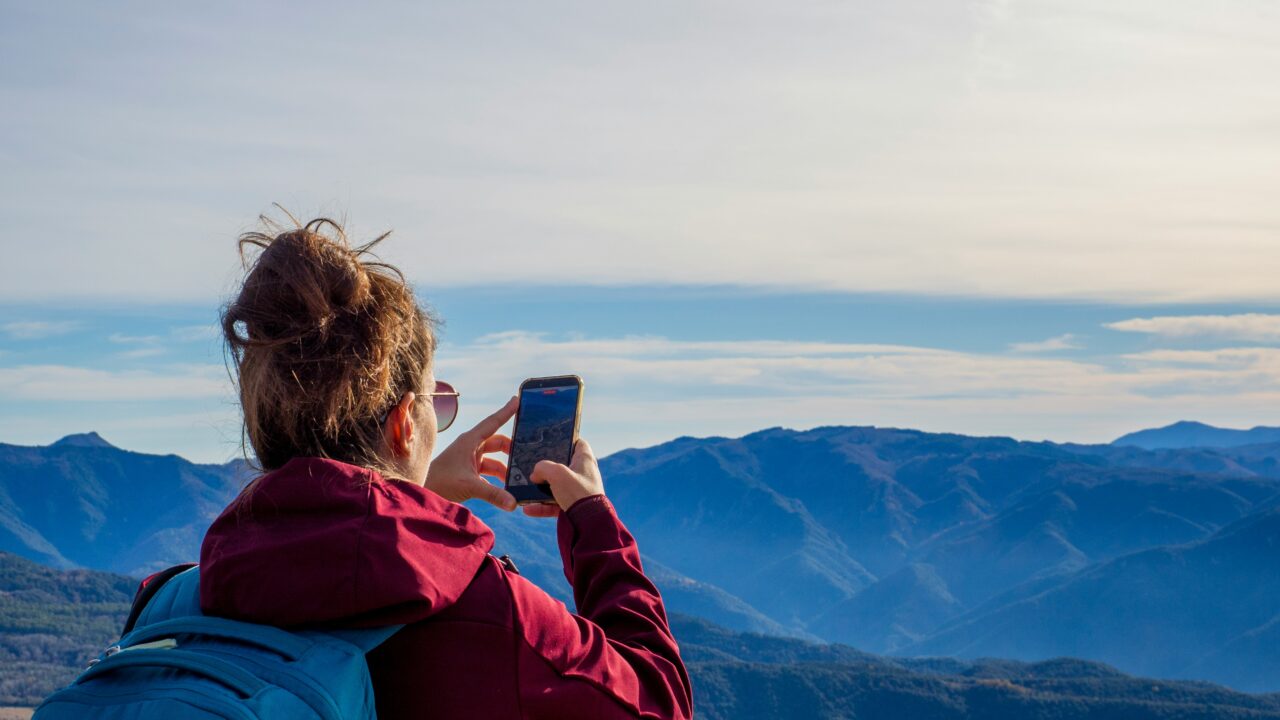
Satellite messaging sounds like the moment your phone becomes impossible to lose from the world. The reality is more modest, and more useful. It is a backup for the awkward places where mobile signal disappears, not a magic replacement for normal coverage.
The Short Version
Key Takeaways
- Satellite messaging lets certain phones send short messages when mobile signal and WiFi are unavailable.
- It usually needs a clear view of the sky, patience and a supported phone, network, country and service.
- The most important use case is safety: emergency help, check-ins and basic contact from remote places.
- It is not the same as ordinary texting, mobile broadband or a full satellite phone.
What Satellite Messaging Actually Means
Satellite messaging on a phone means the handset can connect directly to a satellite when it cannot reach a normal mobile mast. Instead of using the usual phone network nearby, the phone tries to send a. Small amount of data upwards to a satellite, which then passes the message through the provider’s system.
That sounds simple, but the conditions matter. Your phone may need to be outside, away from buildings and trees, and pointed in the direction shown on screen. The message may take longer than a normal text. Some services are emergency-only, some allow limited everyday messaging, and some depend on your mobile network supporting the feature.
Apple’s UK support page for Messages via satellite says the feature is designed for times when you are outside mobile and WiFi coverage. Google’s Pixel support for Satellite SOS also frames it as a safety feature with device, country and app requirements. The direction of travel is clear, but the details still vary by phone and provider.
Why Phones Need A Clear View Of The Sky
Normal mobile phones are built around nearby masts. Satellite messaging asks a small device in your hand to communicate over a much longer distance, often with a moving satellite and a weaker connection. That is why the phone may ask you to stand still, face a certain direction and wait.
Indoors is usually the wrong place to try it. A car roof, thick tree cover, a narrow street between tall buildings or bad weather can all make the connection harder. If the feature is meant for walking, hiking or remote travel, it is worth trying the demo mode before you need it for real. A demo teaches the motion and patience required without contacting emergency services.
This also explains why satellite messaging is not a normal chat experience. You should expect short messages, slower delivery and fewer attachments. It is for “I need help”, “I am delayed”, “I am safe” or “this is my location”, not for sending videos from a mountain path.
When It Matters Most
The obvious case is emergency contact. If you are somewhere with no mobile signal and no WiFi, satellite messaging may give you a route to emergency services or a relay centre. That can matter on a remote walk, a rural road, a boating trip or a journey through an area where coverage maps are optimistic.
The second use is reassurance. Some services let you share your location or send a short check-in. That can be useful if you travel alone, work outdoors, visit remote places or have family members who worry when you drop off the network. It does not remove the need to plan properly, but it can reduce the panic when ordinary signal disappears.
The third use is resilience. Ofcom has said UK mobile operators are moving towards direct-to-device services that connect ordinary smartphones through satellites in areas without terrestrial coverage. That could make future services feel more like normal mobile coverage, but users should still check what their actual phone, network and plan support today.
What It Does Not Replace
Satellite messaging does not replace a proper emergency plan. If you are going somewhere remote, tell someone your route, charge your phone, carry a power bank, download offline maps and understand the weather. A satellite feature is a backup layer, not permission to be casual.
It also does not replace a specialist satellite communicator for serious expeditions. Dedicated devices can offer stronger outdoor designs, longer battery life and services built specifically for remote travel. A phone feature is convenient because it is already in your pocket, but convenience is not the same as expedition-grade reliability.
For everyday buyers, the key is to avoid overbuying. If you mostly live in good coverage areas, satellite messaging may be a nice safety extra rather than a reason to upgrade. If you regularly walk, cycle, drive or work in rural places, it may be a feature worth checking alongside battery life, durability and network coverage. Our guide to choosing a smartphone is a useful place to weigh those trade-offs without getting lost in spec-sheet noise.
Costs, Coverage And Compatibility
The awkward part is that satellite messaging is not one universal feature. It can depend on the phone model, operating system, country, emergency service arrangements, mobile provider and sometimes the plan you pay for. The same phrase can mean different things on different devices.
Before relying on it, check four things. First, whether your exact phone model supports it. Second, whether it works in the UK or wherever you are travelling.
Third, whether your mobile network is required to support the feature. Fourth, whether it is free, included for a limited period, or charged separately after a trial.
Coverage language also needs care. Satellite coverage is not the same as guaranteed connection everywhere. Valleys, cliffs, dense woods, city canyons and indoor spaces can still interfere. Treat the feature like a safety net with holes, not a promise that your phone will always get through.
A Worked Example
Imagine you are walking in the Lake District and your phone loses signal. You are not injured, but you are delayed and the person expecting you is starting to worry. If your phone and service support non-emergency satellite messaging, you may be able to move into open sky. Follow the on-screen aiming instructions and send a short update with your location.
Now imagine the same walk, but you have slipped, cannot safely continue and have no mobile signal. An emergency satellite feature may guide you through a short questionnaire, share your location and connect you with emergency services or a relay route. That is the serious use case: a narrow, slow channel when the normal one is gone.
In both cases, the lesson is the same. The feature helps most when you already know it exists, have tested the demo. Have battery left and are not expecting it to behave like WhatsApp over 5G. For more on why signal quality varies so much, read our plain-English guide to what 5G actually changes .
What This Means For You
If you are buying a phone, satellite messaging is worth checking, but it should not be the only reason to spend more. Start with the places you actually go. If you hike, camp, drive through rural areas or work outdoors, it may be genuinely useful. If you mostly commute between home, work and town, battery life, camera quality and software support may matter more.
If your phone already has the feature, set it up before you need it. Read the support page, check availability, try the demo and make sure emergency contacts and location settings are sensible. The worst time to learn the interface is when you are cold, stressed and out of signal.
For small businesses with staff on the road, the practical step is even simpler: do not assume “satellite” means covered. Write down when staff should use it, what it can and cannot send, and what the backup plan is if it fails.
In Plain English
Satellite messaging lets some phones send short messages when normal mobile coverage is gone. It can be extremely useful in an emergency or for a simple check-in, but it is slower and more limited than ordinary texting. Check your exact phone, network, country and costs before you rely on it.