Apple Intelligence, Galaxy AI and Pixel AI: what matters
Apple Intelligence, Galaxy AI and Pixel AI are not the same. Here is how they differ on privacy, cloud processing, usefulness and lock-in.
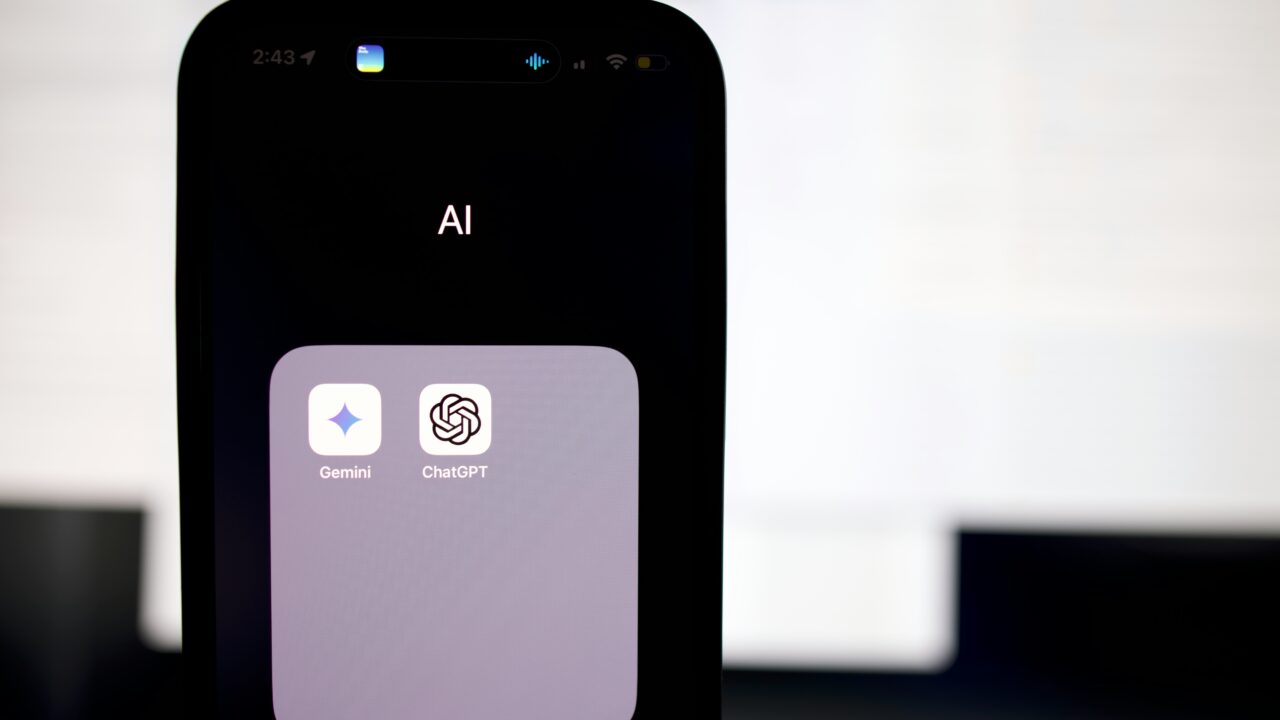
Your next phone will almost certainly advertise AI features, but the useful question is not which logo sounds cleverest. It is what the feature actually does, whether it works on your device or in the cloud, and what you give up when you switch it on.
The Short Version
Apple Intelligence, Galaxy AI and Pixel AI are not three versions of the same thing. Apple puts privacy and system-level integration at the centre, Samsung spreads AI tools across many phone apps and settings, and Google uses Pixel as a showcase for Gemini and on-device models. The practical difference is less about the word AI and more about where your data is processed, which features your phone supports, and whether the tools solve a real problem you have.
Why Phone AI Feels Confusing
Phone AI is confusing because the same label covers very different jobs. A spelling suggestion, a call summary, a photo clean-up tool, a search-by-image feature and a voice assistant can all be sold as AI, even though they behave differently and carry different privacy trade-offs.
That matters because most people do not buy a phone just to run an AI model. They buy one to take photos, message people, navigate, bank, work, travel and keep family admin moving. AI is useful only when it improves those jobs without adding confusion, extra cost or a hidden dependency on an account you did not want to use.
The better comparison is three questions: does the feature help with something you actually do, does it work on your exact model, and does it process sensitive material locally or in the cloud?
Apple Intelligence: Integrated, Cautious And Device-Led
Apple Intelligence is built around the idea that AI should feel like part of the iPhone, iPad and Mac rather than a separate chatbot bolted on top. Apple describes it as generative AI for tasks such as rewriting text, proofreading, summarising missed messages, creating Memories in Photos and generating images.
The important distinction is processing. Apple says many requests run on the device where possible. For more complex requests, the device can use Private Cloud Compute, Apple’s server-based system for larger models. Apple says only the data relevant to the request is sent, that the request and response are not stored by Private Cloud Compute, and that users can turn on an Apple Intelligence Report to see how requests are processed.
In plain terms, Apple’s pitch is trust and integration. If you already use iCloud, Messages, Mail, Photos and Safari, the appeal is that AI appears inside the places where your information already lives. The trade-off is that Apple Intelligence is tied closely to Apple hardware, Apple software versions and Apple’s pace of feature rollout.
Galaxy AI: Broad, Flexible And Settings-Heavy
Galaxy AI is Samsung’s umbrella for AI features spread across Galaxy phones and tablets. Samsung lists tools for writing help, translation, Circle to Search, photo editing, notes, voice recording, browsing and device suggestions. The strength is breadth: Samsung tends to place AI in many corners of the phone rather than asking you to use one assistant for everything.
That flexibility comes with a bigger settings burden. Samsung’s support guidance says available Galaxy AI features vary by device and software version. It also says most translations are handled on the device, Gallery Edit Suggestions are handled on-device, and most other features require a network connection and use the cloud in some way.
The most useful privacy control is the option to process data only on the device. Samsung says this can disable cloud-based processing for Galaxy AI features, although doing so can reduce what those features can do. That is a real trade-off: local models are better for privacy and responsiveness, while cloud models can handle heavier tasks.
For a UK buyer comparing Samsung phones, the practical point is simple. Do not assume every Galaxy AI feature works on every Galaxy device. Check the model, the One UI version and the feature list before treating AI as part of the value of the phone. This is similar to checking end of support dates before relying on an older device: the headline feature matters less than the support reality.
Pixel AI: Gemini First, With Useful On-Device Features
Pixel AI is less of a single product name and more of a Google phone experience built around Gemini, Pixel-only features and Google’s services. Google says Gemini is the default assistant on Pixel 9 and later phones, and that Gemini can use text, voice, images and the camera to help with everyday tasks.
Pixel’s clearest advantage is that Google controls Android, Gemini and the Pixel hardware story more tightly than most Android rivals. That lets it use Pixel phones as the place where Google’s newest assistant and camera ideas show up first.
Google also uses on-device AI in specific Pixel features. Its Gemini Nano material says Pixel 9 and later devices use Gemini Nano for offline features such as Pixel Studio, Call Notes and Pixel Screenshots. It also points to on-device processing for features such as scam detection and some health data processing.
The trade-off is that Google’s most powerful AI experiences often sit close to your Google account and Google services. That can be useful if you already live there. It can feel less attractive if you want a phone that keeps assistant features separate from email, search history, photos and cloud storage. Before leaning into those features, it is worth doing the same kind of settings pass you would do after buying any new phone: our guide to smartphone settings worth changing on day one is a good place to start.
The Privacy Question: Local, Cloud Or Account-Based?
The most important phone AI question is where the work happens. Local processing means the model runs on your phone. It can be faster, more private and available without a connection, but it is limited by battery, storage, memory and chip performance. Cloud processing sends material to a server. It can use larger models, but it depends on trust, connectivity and the provider’s data rules.
Account-based AI is the third layer. Some features depend on your Apple, Samsung or Google account so they can use calendar entries, photos, messages or app activity. That can be helpful, but it can also deepen lock-in.
What To Check Before You Choose
First, check whether the feature works on the exact model you are buying. AI features are often limited by chip, memory, region, language and software version. A phone range can share a brand name while offering different AI tools across models.
Second, check whether the feature needs the internet. Offline tools can be valuable when travelling, commuting or sitting in weak signal areas. Cloud tools may be more capable, but they are less useful if they fail when your connection does.
Third, check the settings. Look for privacy reports, account permissions, cloud processing controls, assistant history and app-by-app toggles. If you would not hand the same information to a human assistant, think carefully before giving it to a phone feature simply because it is convenient.
Fourth, separate camera tricks from daily value. Photo editing and generated images are visible and easy to advertise. The tools that may matter more are quieter: transcription, translation, call screening, fraud warnings, accessibility features and better search inside your own notes or screenshots. For another example, see our explainer on how phone tracking networks actually work.
A Worked Example
Imagine you are choosing between an iPhone, a Galaxy S phone and a Pixel because you want help with work calls, travel messages and photo organisation.
On the iPhone, you would check whether your model supports Apple Intelligence, then look at the Apple Intelligence Report and the privacy settings around analytics and extensions. The question is whether the Apple apps are where your work actually happens.
On a Galaxy phone, you would open Galaxy AI settings, check which tools are available, then decide whether to allow cloud processing or use the process-data-only-on-device option.
On a Pixel, you would look at Gemini, Pixel Screenshots, Call Notes and other Pixel-only tools, then decide how comfortable you are with those features connecting to your Google life.
What This Means For You
If you are buying a phone in 2026, treat AI like battery life or camera quality: useful, but only when it matches your real habits. Do not pay extra for a feature you will disable after a week.
For most people, the best choice is the ecosystem they already manage well. Choose Apple if you want tight integration and already use Apple apps. Choose Samsung if you want lots of tools and more control over some AI processing. Choose Pixel if you want Google’s assistant and Pixel-first features at the centre of the phone.
Before switching, check the exact model, software version, account requirements and privacy settings. Those details matter more than the AI branding on the box.
In Plain English
Apple Intelligence, Galaxy AI and Pixel AI are not magic upgrades. They are phone features that either run on your device, use the cloud, or connect to your account.
Apple is strongest on tight integration and privacy framing. Samsung is strongest on breadth and settings control. Pixel is strongest if you already want Gemini and Google services built into the phone experience.
Pick the phone first. Then decide which AI features deserve access to your data.