When Your Phone Becomes Your Car Key: Convenience, Lockouts and Security
Digital car key convenience is real, but phone keys bring lockout, sharing and theft risks. Here is what UK drivers should check before trusting one.
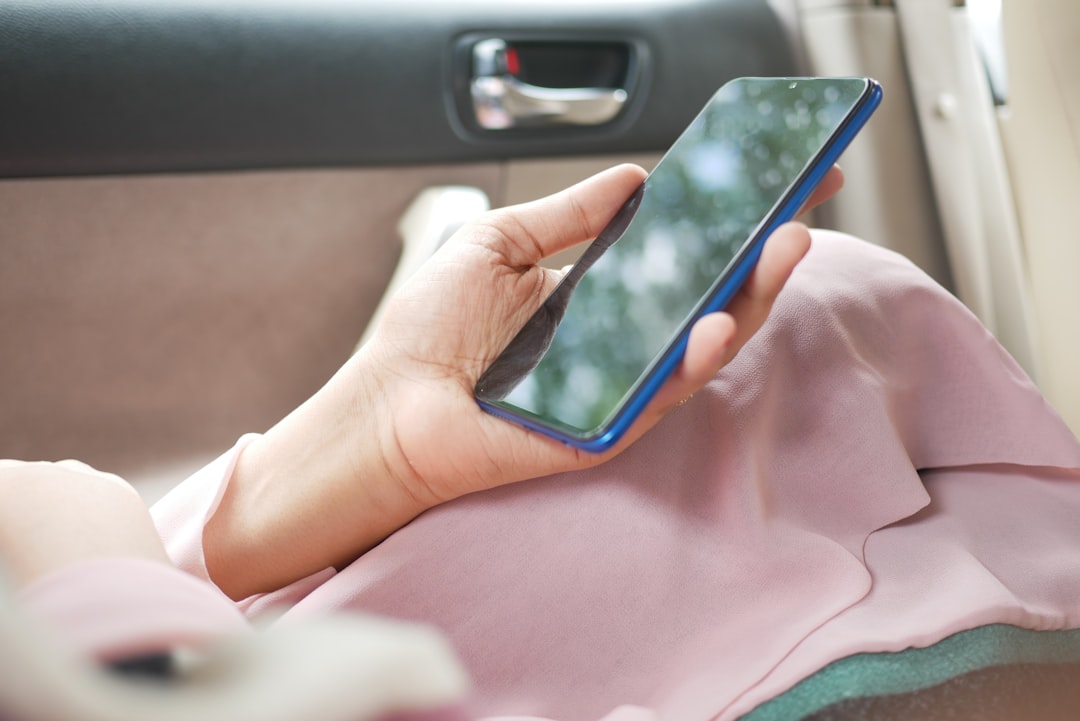
A phone key is convenient only if it still works when your battery, signal or sharing plan goes wrong.
A car key used to be simple. You had a fob, a spare, and maybe a metal blade hidden inside. A phone key changes that habit. Your iPhone, Android phone or watch can open the car, start it, and sometimes share access with someone else.
That sounds tidy. It can be genuinely useful. It also moves a boring household object into your phone, your online account, and your recovery settings. That is why a digital car key deserves a careful look before you rely on it every day.
What a phone car key actually does
A phone car key is a digital credential for a compatible vehicle. It may live in a wallet app, a car maker app, or both. Depending on the car, it can open the doors, start the vehicle, and let you share access with another person.
Apple’s support guide describes car keys in Apple Wallet for supported vehicles. Google’s Android help explains a similar feature for supported Android phones. The Car Connectivity Consortium works on digital key standards across the industry.
The details vary. Some systems use near-field communication, where the phone is held close to the car. Others use ultra-wideband to judge distance, or Bluetooth as part of the connection. The result may feel similar, yet the fallback steps can differ.
The real convenience is sharing
The strongest case is household logistics, not showing off in a car park. A partner can get temporary access. An adult child can borrow the car without collecting a fob. A trusted visitor can use the car for one journey, then lose access afterwards.
This is more flexible than lending a physical key. It is also easier to forget. If you share a phone key, you need to know who still has access. You also need to know whether they can only open the car or can drive it.
The comparison with payments is useful. Many people now trust phone wallets because the device is locked and the card number is not simply handed over. Cristoniq covered that trade-off in Apple Pay, Google Wallet and contactless: what’s actually safe. A payment problem is annoying, but a stranded car is worse.
The lockout risk is practical, not theoretical
The first question is dull and important. What happens if your phone is flat? Some phones and cars offer a short reserve mode. Some owners may still need a card key, fob or hidden mechanical backup.
Do not learn this during a rainy evening at a retail park. Test the fallback at home. Put the phone where the manual says it should go. Make sure another household member understands the process.
This is the real-world example: Priya sets up a phone key for a shared family car. She keeps the card key in a safe place at home. Her partner tests the start procedure with poor signal. They also agree who can remove shared keys.
Security moves to your phone and account
A digital car key does not remove theft risk. It changes the weak points. Older keyless systems raised worries about relay attacks, where criminals try to extend the signal from a fob inside a home. Thatcham Research continues to focus on vehicle security testing and standards.
Phone keys can improve some areas because phones have secure chips, screen locks and account controls. They can also make your phone more valuable to a thief. If someone controls your phone, email account or car maker login, the car key becomes part of a bigger security problem.
Basic phone security therefore becomes car security. Use a strong screen lock. Keep software updated. Protect the email account behind Apple, Google and car maker logins, then follow the National Cyber Security Centre’s security advice.
Passkeys can help with some account risks, but they are not magic. They reduce some phishing problems while still depending on device and recovery security. Cristoniq’s guide to passkeys explains that balance in plain English.
What to check before you depend on it
Start with compatibility. Check the car maker’s manual, not only a sales page. Support can depend on model year, trim, phone model, watch model, region and software version.
Then check the failure plan. Does the key work without mobile signal? Does it work if the phone battery is critically low? Can another trusted person get into the car if your phone is stolen?
Next, check account recovery. The login behind the key should have two-step verification. Recovery email addresses and phone numbers should be current. If your main email is weak, start with our guide to securing your email account.
Privacy deserves a separate look
A phone key often sits inside a wider connected-car app. That app may ask for location, Bluetooth, notification and account permissions. Some access is needed for the feature. Some may be optional.
Review the permissions before you accept every prompt. Check whether the app stores journey data, location history or driver profiles. Also check who can see shared-key activity. A key is about access, but connected-car apps can collect much more than access data.
This overlaps with other tracking tools. A Bluetooth tag can help find a bag, but it can also raise privacy questions. The same thinking applies to cars, phones and watches. Cristoniq’s piece on Bluetooth trackers explains why useful location tools still need limits.
When a digital car key makes sense
It makes sense if you already keep your phone secure, share a car often, and understand the fallback. It is also useful as a spare route into the vehicle. It makes less sense if you regularly run your phone flat, ignore updates, or have no backup key plan.
The best setup is not phone-only bravado. It is phone key plus recovery plan. Keep one physical or card backup where the household can reach it. Review shared access after holidays, house moves and relationship changes.
A digital car key should make car access calmer. If it makes you more dependent on one fragile setup, it has not solved the right problem.
The short version
Phone keys are useful, but they are not just another gadget perk. They join your car to your phone security, account recovery and household habits. That is manageable, as long as you treat the setup seriously.
Before trusting one, test the fallback, protect the accounts, keep a backup, and review who has access. The clever part is not opening the car with a phone. The clever part is still getting home when the neat version fails.