What Are ChatGPT Workspace Agents?
ChatGPT workspace agents let teams build repeatable AI workflows in ChatGPT and Slack. Here is what they do and what to check first.
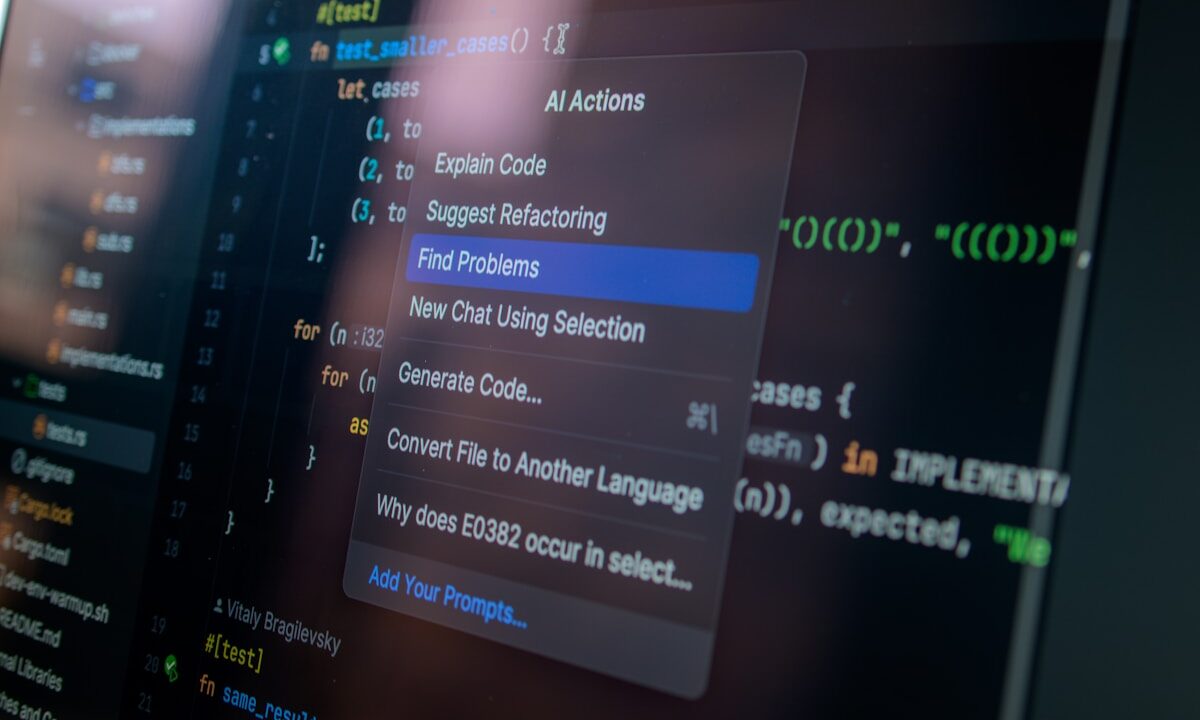
Most people use ChatGPT one request at a time. Workspace agents are OpenAI’s attempt to turn some of those repeatable requests into shared tools that a team can build, test, run and govern.
The Short Version
- ChatGPT workspace agents are shared agents for repeatable tasks and workflows inside ChatGPT workspaces.
- OpenAI says eligible Business, Enterprise, Edu and Teachers workspaces can use them in research preview.
- Agents can be created from templates or from plain-language instructions, then tested before being shared.
- They can connect to tools and apps, appear in ChatGPT or Slack and run on a schedule where enabled.
- The main risk is delegation without enough review, especially when an agent touches company data or sends messages.
That makes workspace agents more than a renamed chatbot. They are meant for repeated work: preparing reports, collecting information, drafting updates, checking a process or moving work between tools. The useful question is whether a task is structured enough for an agent to help, and whether the team has a clear review step.
What Workspace Agents Are
OpenAI’s launch post describes workspace agents as Codex-powered agents for teams. The company says teams can create shared agents for complex tasks and longer-running workflows, operating within the permissions and controls set by the organisation.
OpenAI’s help material describes them more practically: users can create an agent, test it before publishing, connect it to apps and tools, share it with a workspace, use it in Slack and run it on a schedule. That is the important difference from a normal chat. A workspace agent has a defined job and can be reused by other people.
If the word agent still feels slippery, Cristoniq’s guide to what AI agents can actually do today gives the broader context. The short version is that an agent has a goal, follows a process and may use tools to complete parts of the work.
What They Are Useful For
The best early use cases are repeatable and reviewable. A sales team might use an agent to gather call notes and draft a follow-up. A manager might use one to prepare a weekly summary from approved sources. A support team might use one to turn a recurring process into a checklist and first draft.
Those examples work because the agent is not being asked to invent the business process from scratch. It is being asked to follow a defined pattern, use known sources and produce something a human can inspect. That is where workspace agents make most sense.
They are less suitable for vague, high-stakes or one-off judgement calls. If nobody can clearly describe what good output looks like, the agent will struggle too. Building a useful agent is partly a writing task, but mostly a process-design task.
How They Work In A Team
OpenAI’s workspace agents help page says agents can appear in ChatGPT and Slack, and can be managed through workspace controls. Admins can decide whether workspace agents are enabled for eligible workspaces, and access can depend on plan and role.
That matters because an agent is only as safe as the permissions around it. If it can read documents, search connected apps or post into Slack, the organisation needs to know who created it, what tools it can use and who is responsible for checking the output.
OpenAI’s Academy guide also recommends starting with low-risk requests and reviewing results before trusting an agent with more important work. That is sensible. A new agent should earn trust through small, visible tasks before it becomes part of a live workflow.
What To Watch Before Using One
The first thing to check is access. What data can the agent see? Which connectors or apps can it use? Can it send messages, draft documents or trigger actions? A useful agent should have the minimum access needed for its job.
The second check is accountability. A team should know who owns the agent, who can edit it and who reviews its output. Shared agents can quickly become confusing if everyone assumes someone else is maintaining them.
The third check is failure handling. If the agent cannot find the right file, gets a fact wrong or drafts something unsuitable, the process should make that visible. Cristoniq’s piece on what can go wrong when AI agents act on your behalf is worth reading before handing an agent real work.
A Simple Workplace Example
Imagine a small company that sends the same Monday update every week. A workspace agent could collect approved project notes, summarise blockers, draft the update and prepare a Slack message for review. That is a sensible use case because the task is regular, the sources are known and a person can approve the final message.
The same agent should not be allowed to change project deadlines, message customers or decide staffing issues on its own. Those are judgement calls, not routine summarisation. The dividing line is not whether the AI can write the words. It is whether the decision behind the words belongs with a person.
In Plain English
ChatGPT workspace agents are reusable AI helpers for teams. They can support repeatable work across ChatGPT, Slack and connected tools, but they need careful setup, limited permissions and human review. The best use cases are boring in a good way: structured tasks, clear sources and outputs that someone checks before they matter.